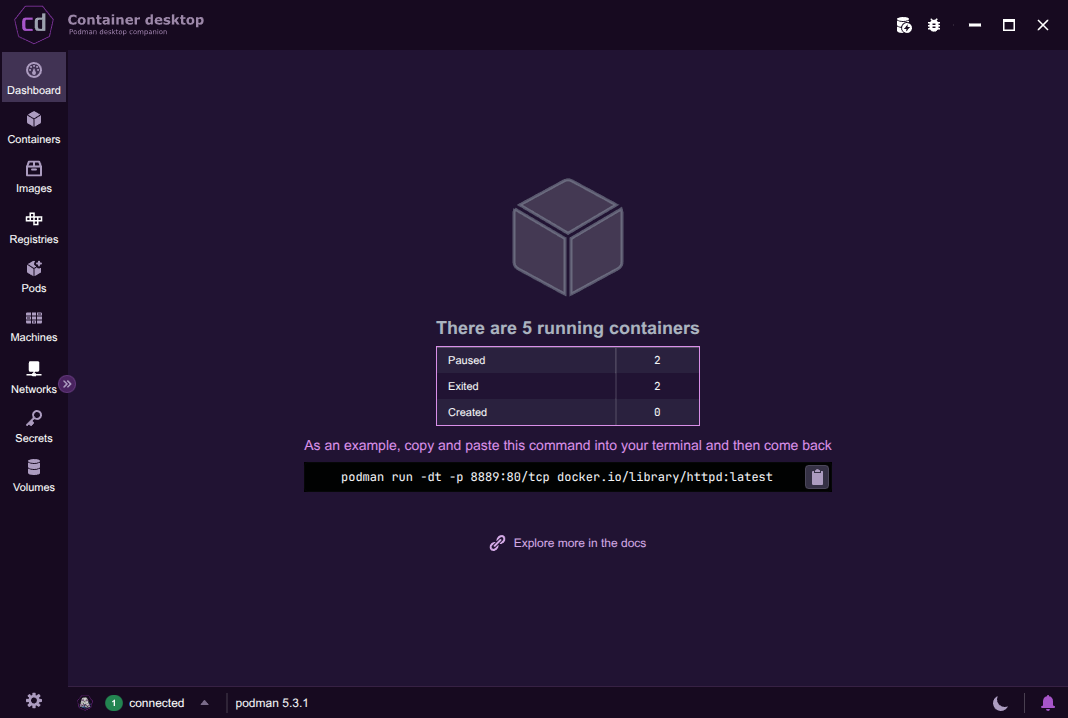
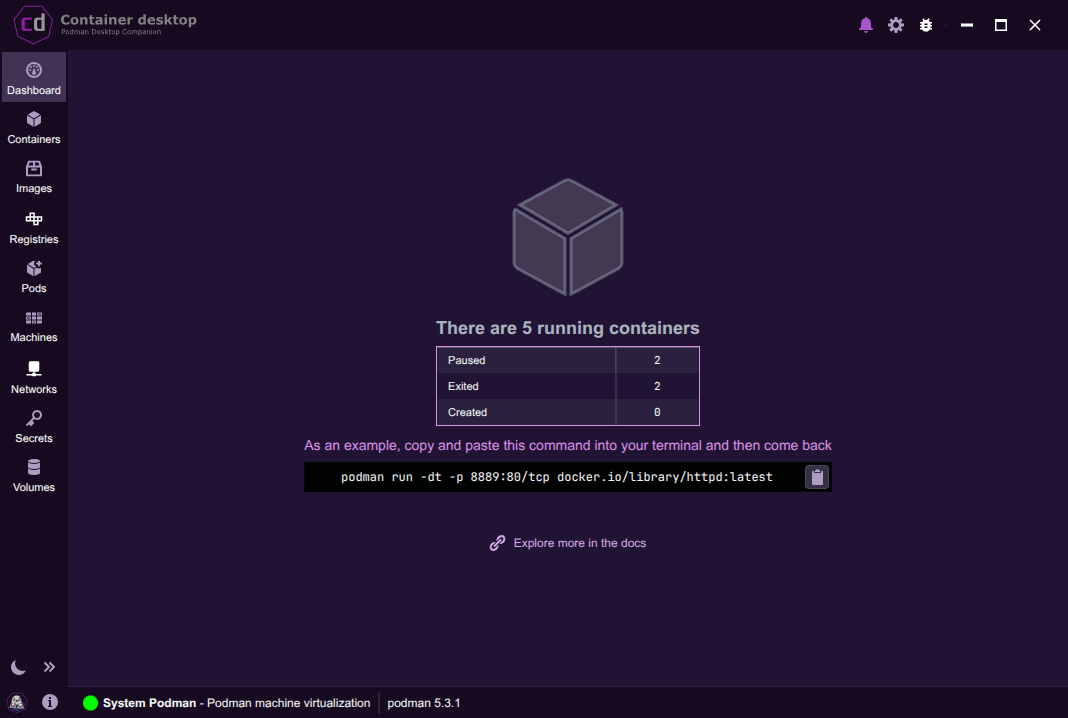
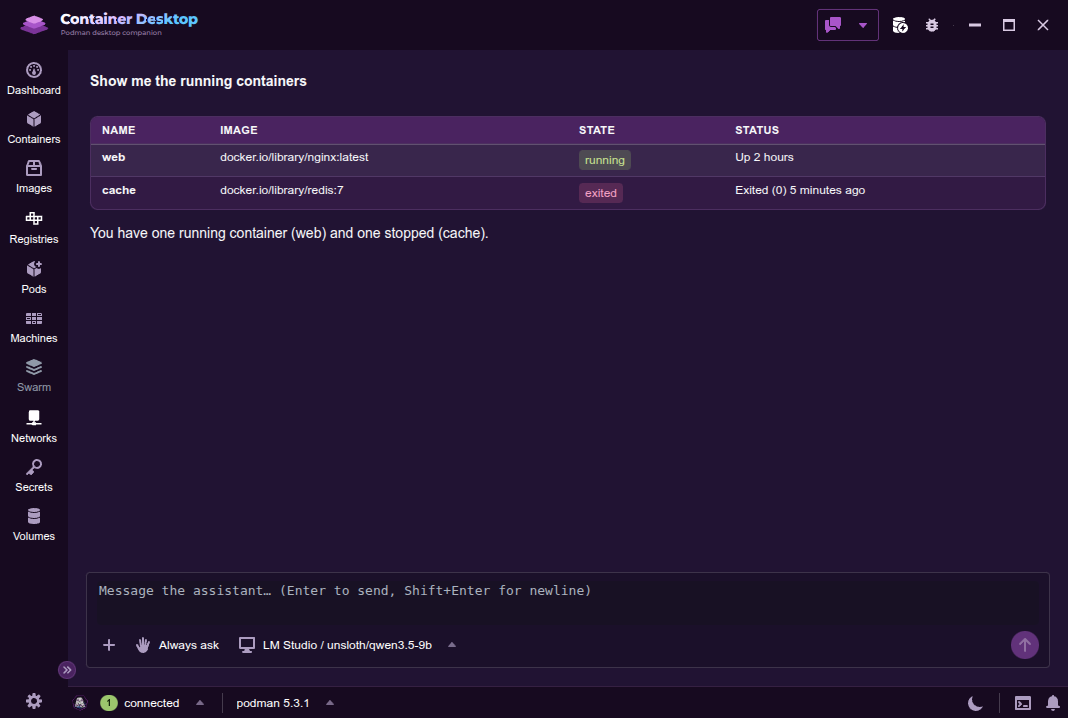
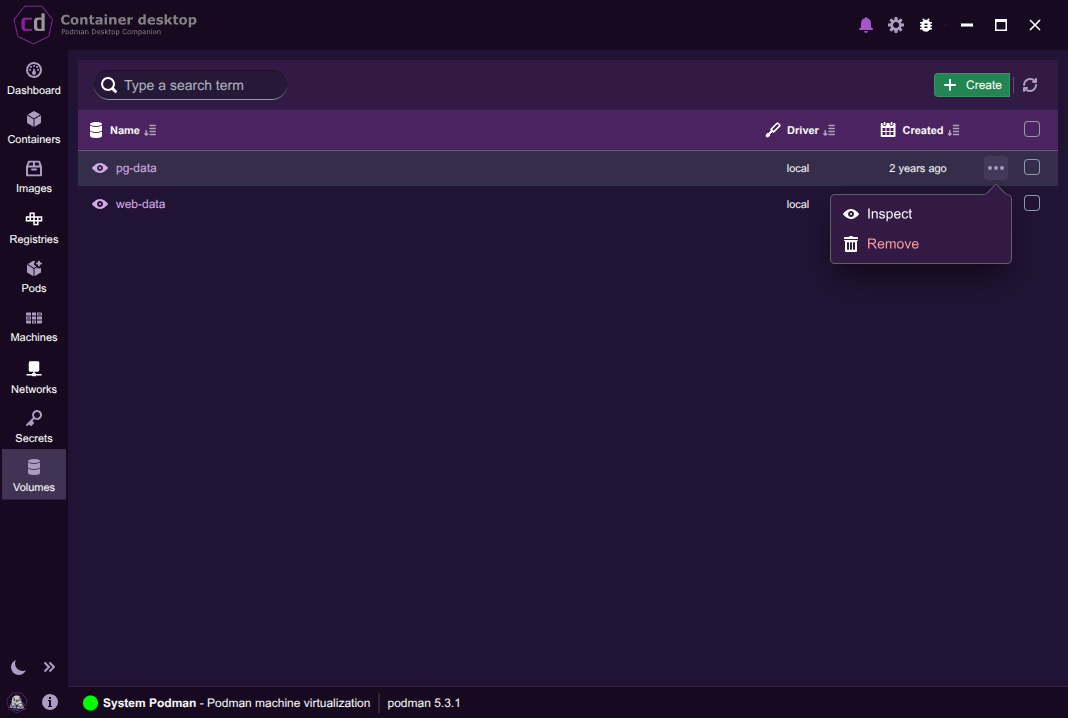
A familiar desktop interface for the free, open container managers — Podman and Docker.
Local, remote over SSH, and WSL, the same UI, everywhere.
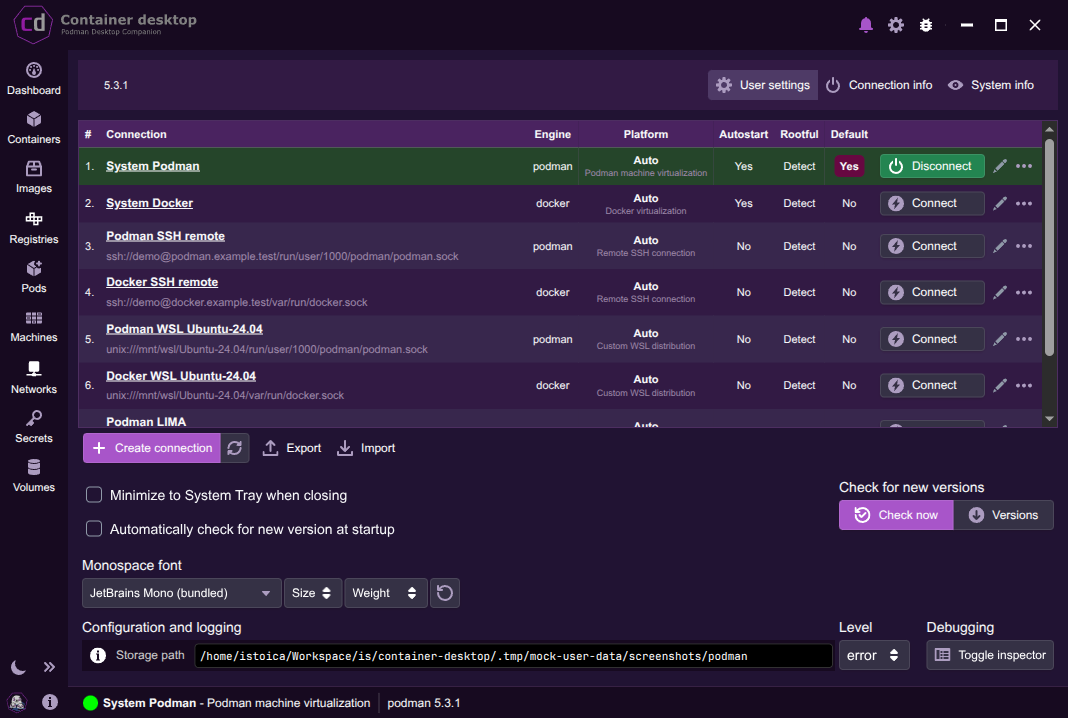
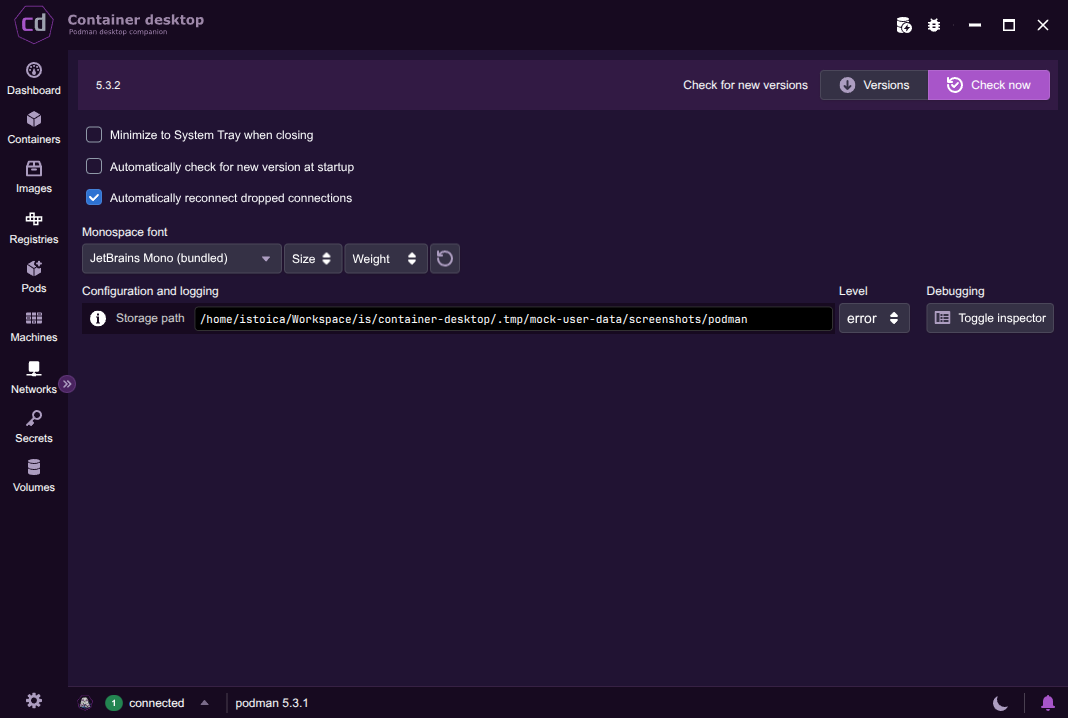
Container Desktop looks and works the same on Windows, macOS and Linux — no mental remapping. It tells you exactly where it stores logs and settings, so you can always see what's happening behind the scenes.

Connect to a native engine on Linux, a virtualized one anywhere, LIMA on macOS, or WSL on Windows. Switch engines and connections from one manager.

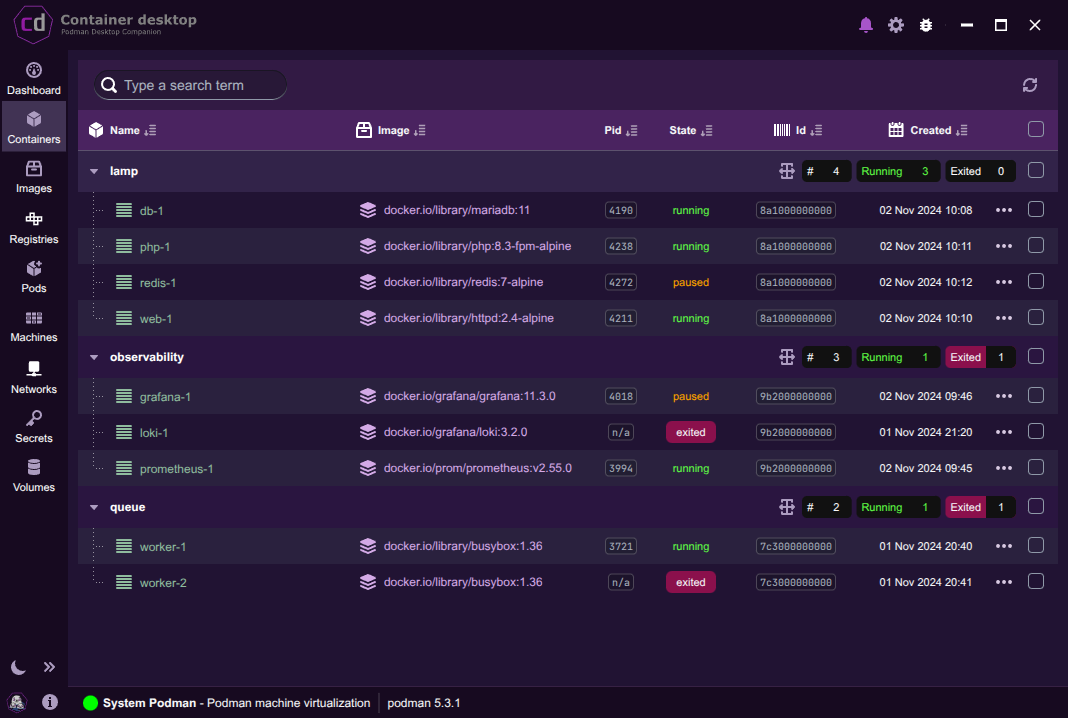
Know the origin and status of every container. Jump to logs, env vars, mounts, ports and live stats. Start, stop, restart, open a terminal, or reach exposed services right in your browser.

The essentials only — so it feels right at home from the first launch.

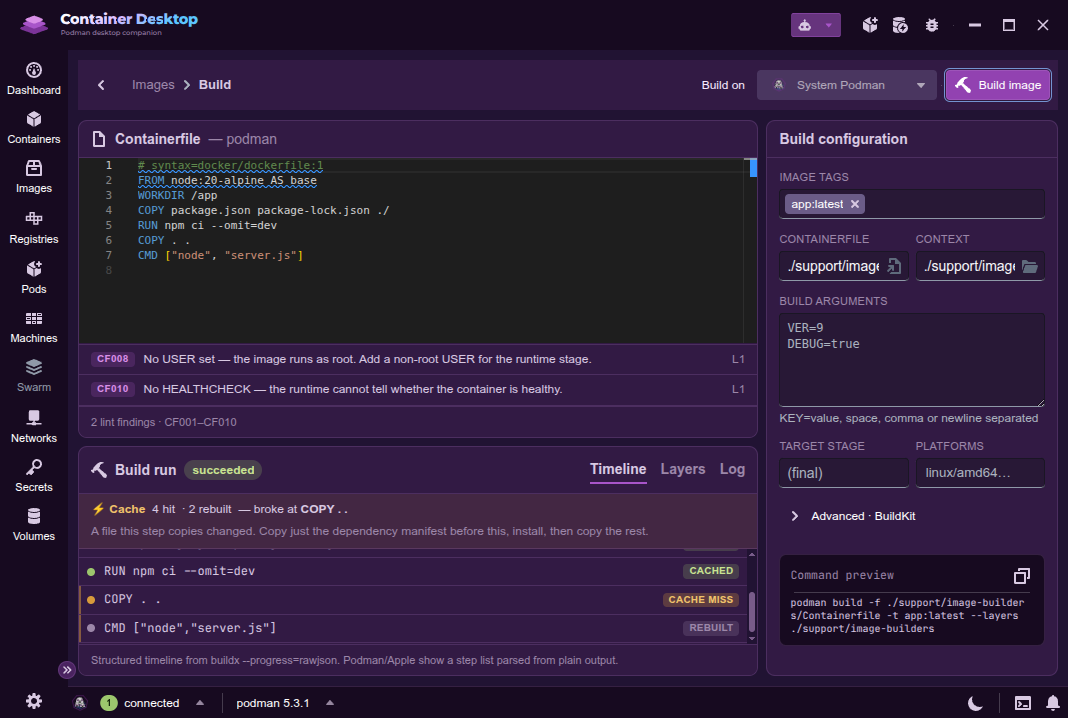
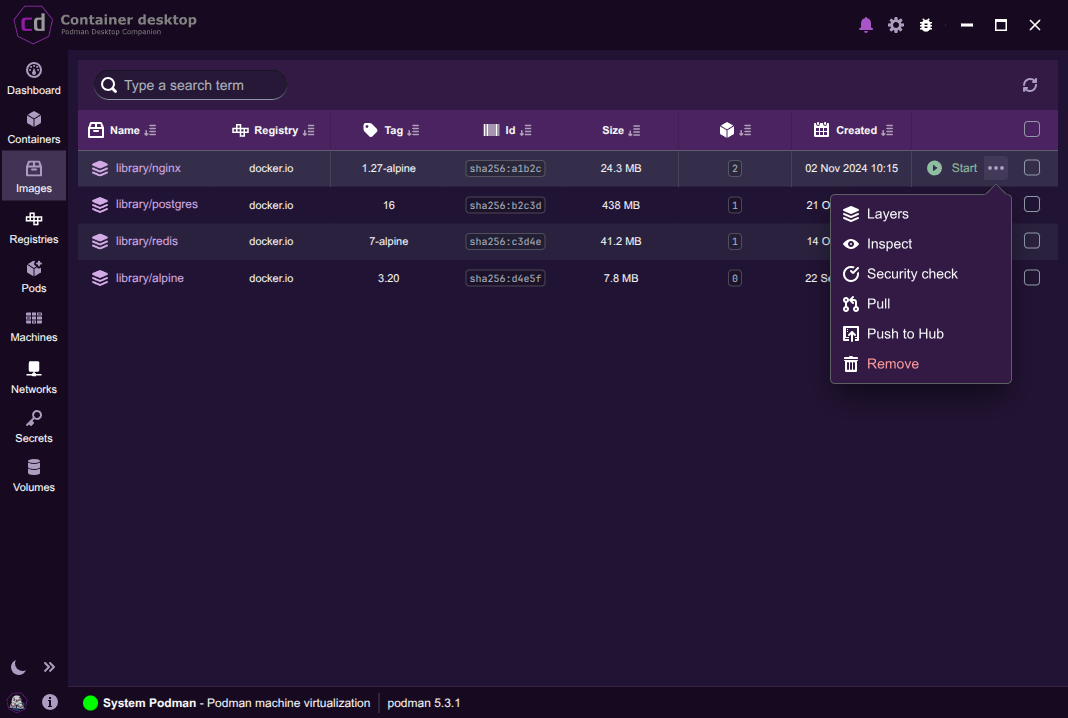
Pull, build, inspect and spawn containers with custom ports and mounts.

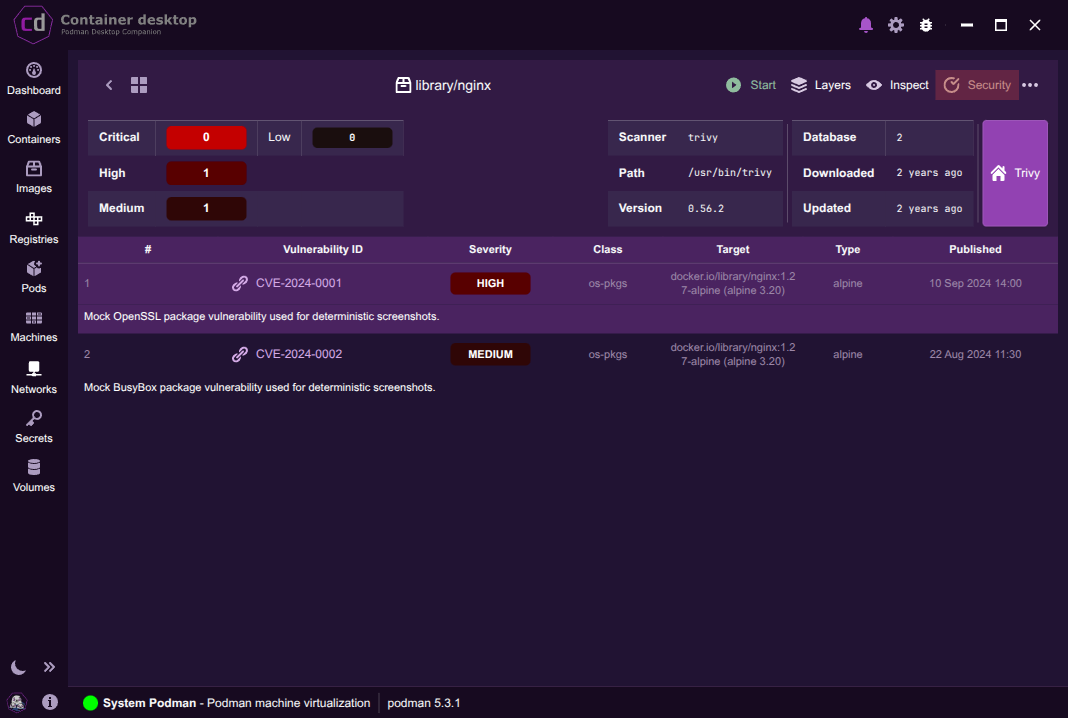
Be aware of known vulnerabilities and keep your systems secure.

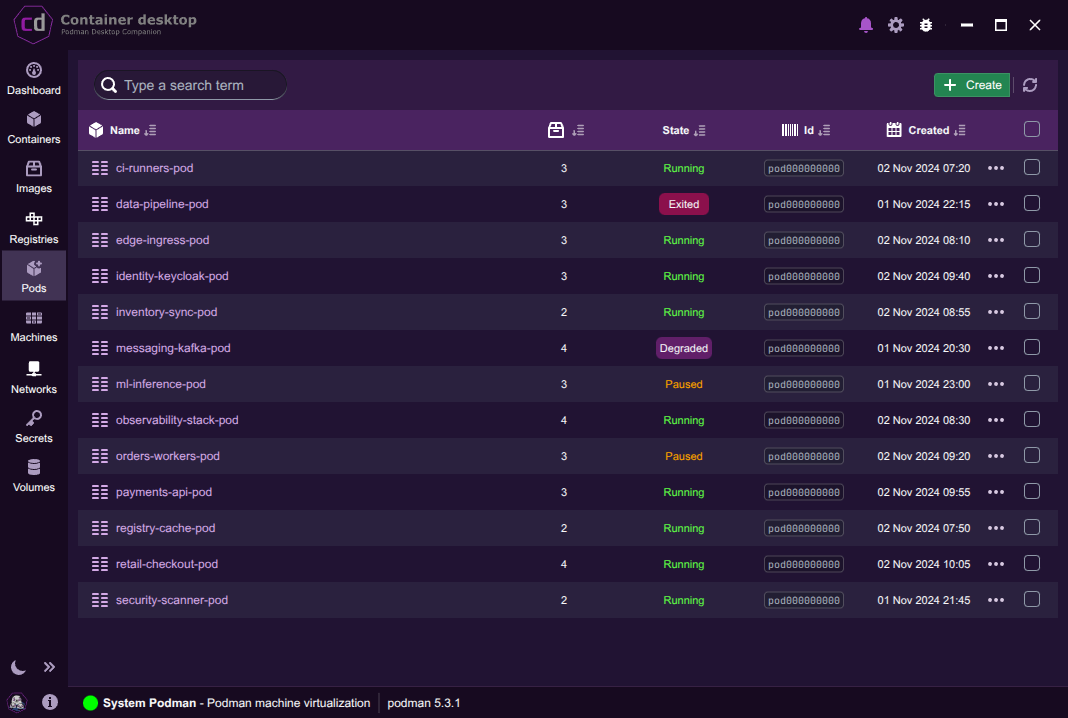
Full power of pods — logs, processes, details, and generate kube.

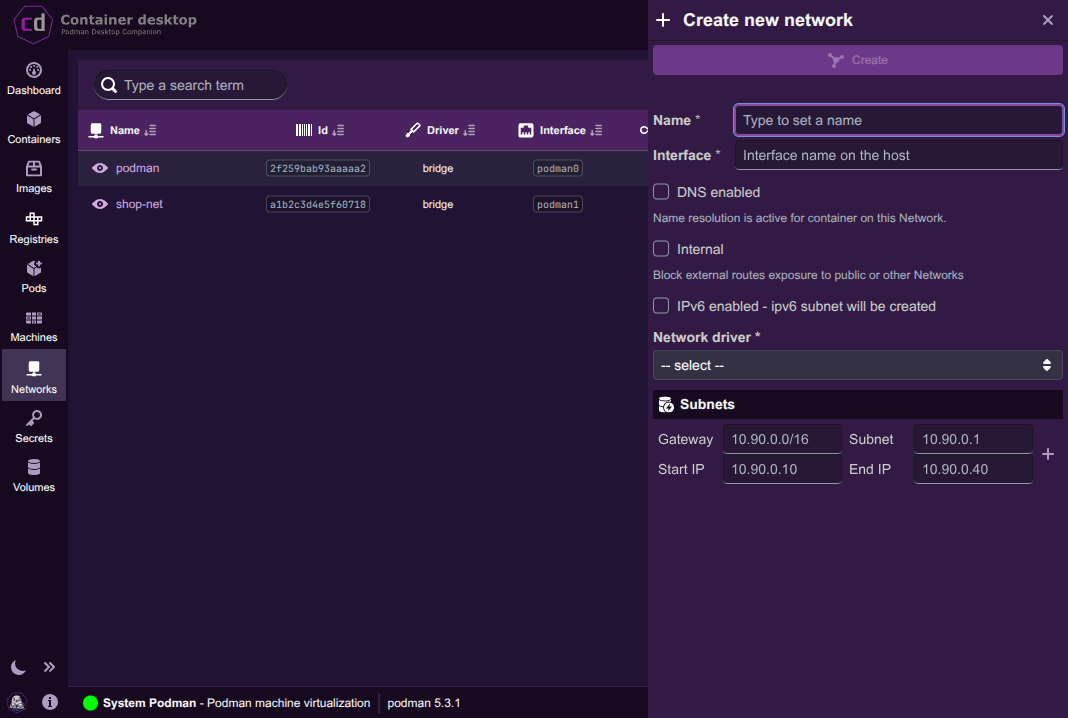
Create and reuse networks anytime with detailed setup per network.

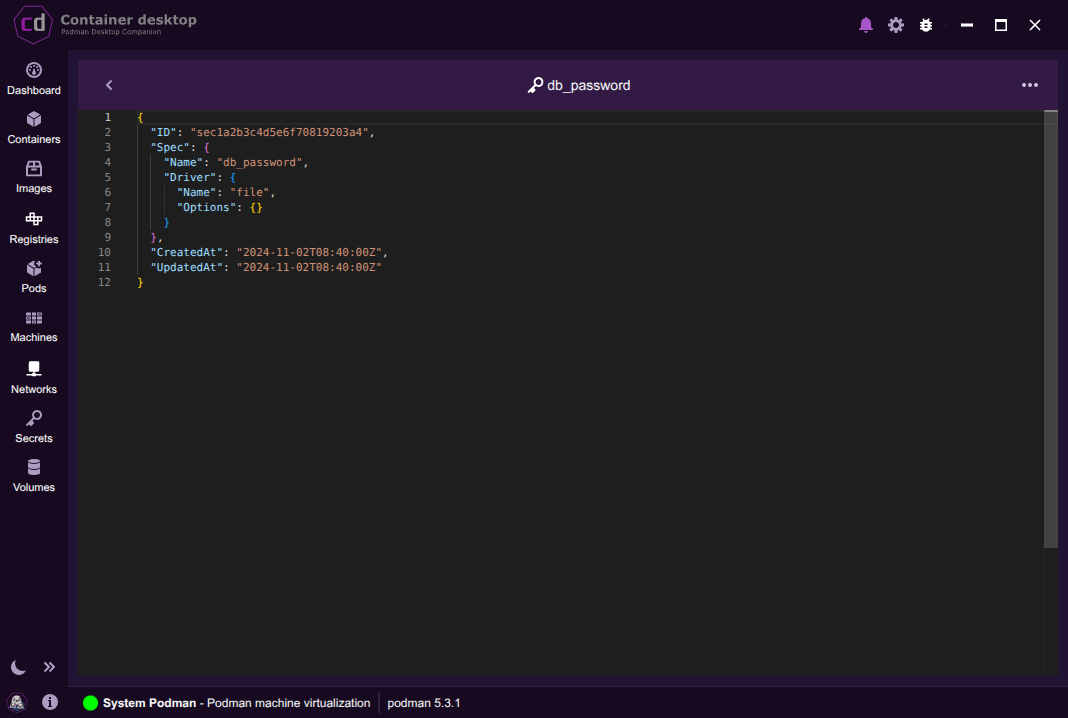
Define, inspect and purge secrets across your environment.

Share volumes across containers — portable and repeat-free.
Your setup guides, modernized into a real handbook — every engine, every platform, with copy-paste commands. Nothing left behind.
Free and open source — native packages for every platform.
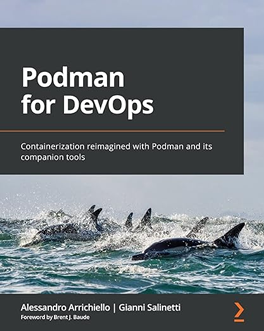
Go deeper with Podman — books worth your time.